Sandbox
Experience Platform Orchestrator hands-on with our interactive demo — no setup or cloud accounts needed. It only takes 10 minutes to complete.
Your Platform Orchestrator organization comes with the option to create a temporary “sandbox” organization. A UI wizard will guide you through a well-defined flow that lets you experience the core Orchestrator concepts and perform real deployments, providing complete isolation from your regular organization.

At the end of the sandbox flow you will know how to:
- Define resources as a platform engineer
- Describe an application and its resource requirements as a developer
- Perform a deployment
- Promote your deployment to the next environment
Prerequisites
To walk through this tutorial, you’ll need:
- A Humanitec Platform Orchestrator organization. If you don’t already have one, sign up here to create one
No further setup or cloud accounts are required.
Run the sandbox flow
Login to your organization via the console and locate the “Getting Started” item in the main navigation:

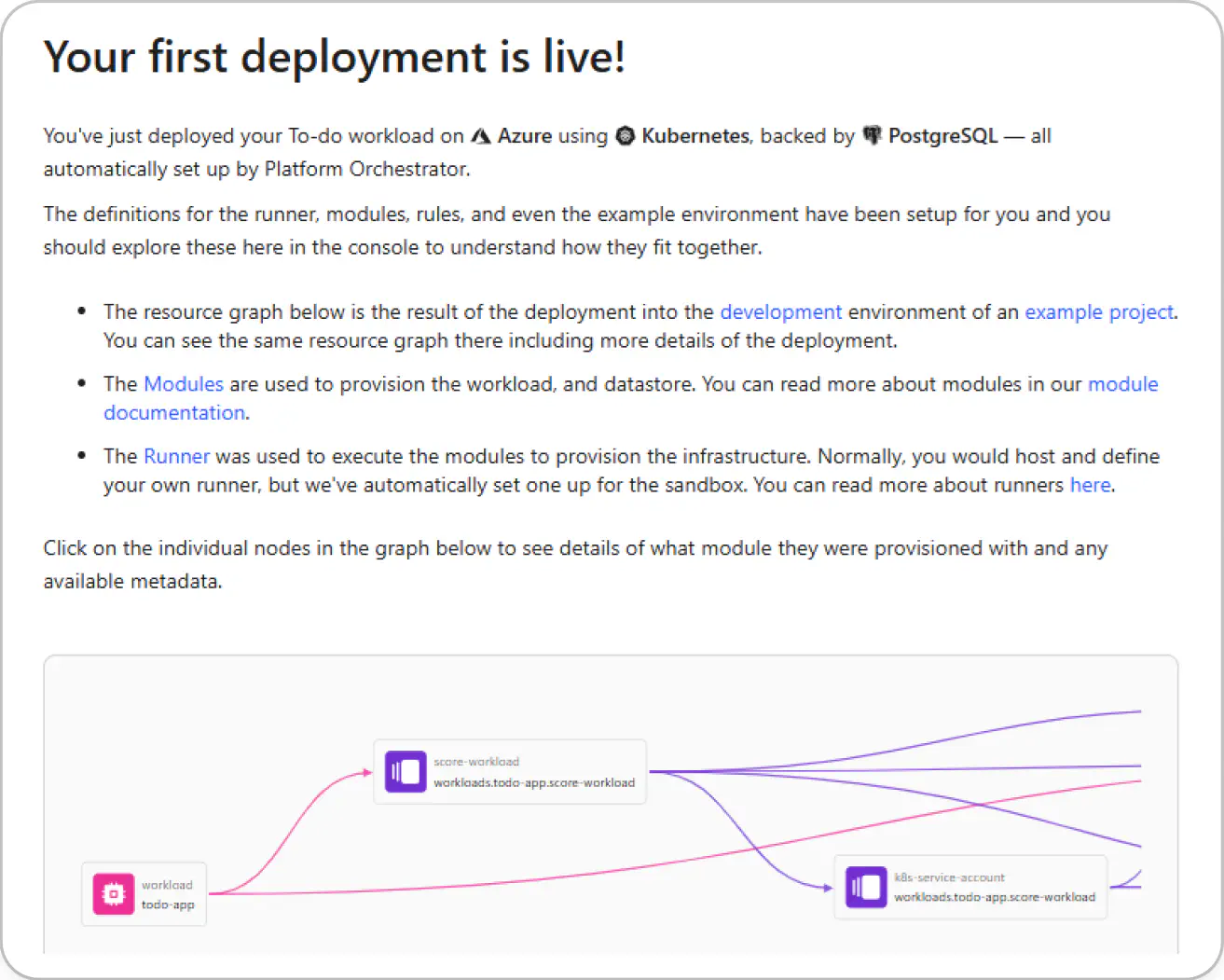
Click on the item and follow the instructions to create your sandbox organization and start the flow. Follow the instructions on screen.
Enjoy!
Feedback
If you have any feedback, please let us know through this feedback form . Much appreciated!
Next steps
- Follow the Get started tutorial to perform actual configuration and deployments in your own organization