Authentication
Authentication in the console
To access the Platform Orchestrator Console , users must authenticate using an identity provider.

Supported identity providers
 Google
 Microsoft (personal or work account) 🆕
- Single Sign-On (SSO) 🆕

Authentication in the CLI
Once you sign up and have access to the Platform Orchestrator Console you can use the hctl login command to authenticate the CLI.
hctl login
This obtains a short-lived authentication token which is written to the local config file.
Single Sign-On (SSO)
Single Sign-On (SSO) allows users to authenticate using their organization’s existing identity provider (IdP).
The Platform Orchestrator supports SSO through SAML 2.0 and OIDC protocols.
To streamline integration with multiple IdPs, we use WorkOS as our SSO backend. WorkOS doesn’t store any user credentials or information, it serves only as a bridge to your SSO provider.
Supported Identity Providers
- Okta
- Microsoft Entra ID (Azure AD)
- Microsoft AD FS
- Auth0
- Keycloak
- OneLogin
- Cloudflare
- Oracle Cloud
- Custom SAML / OIDC
- Other providers supported by WorkOS
Using Admin Portal to configure SSO
To enable SSO for your organization, please contact Humanitec Support . You need to provide your organization ID, domain and the email of the SSO administrator, who will set up SSO for your organization.
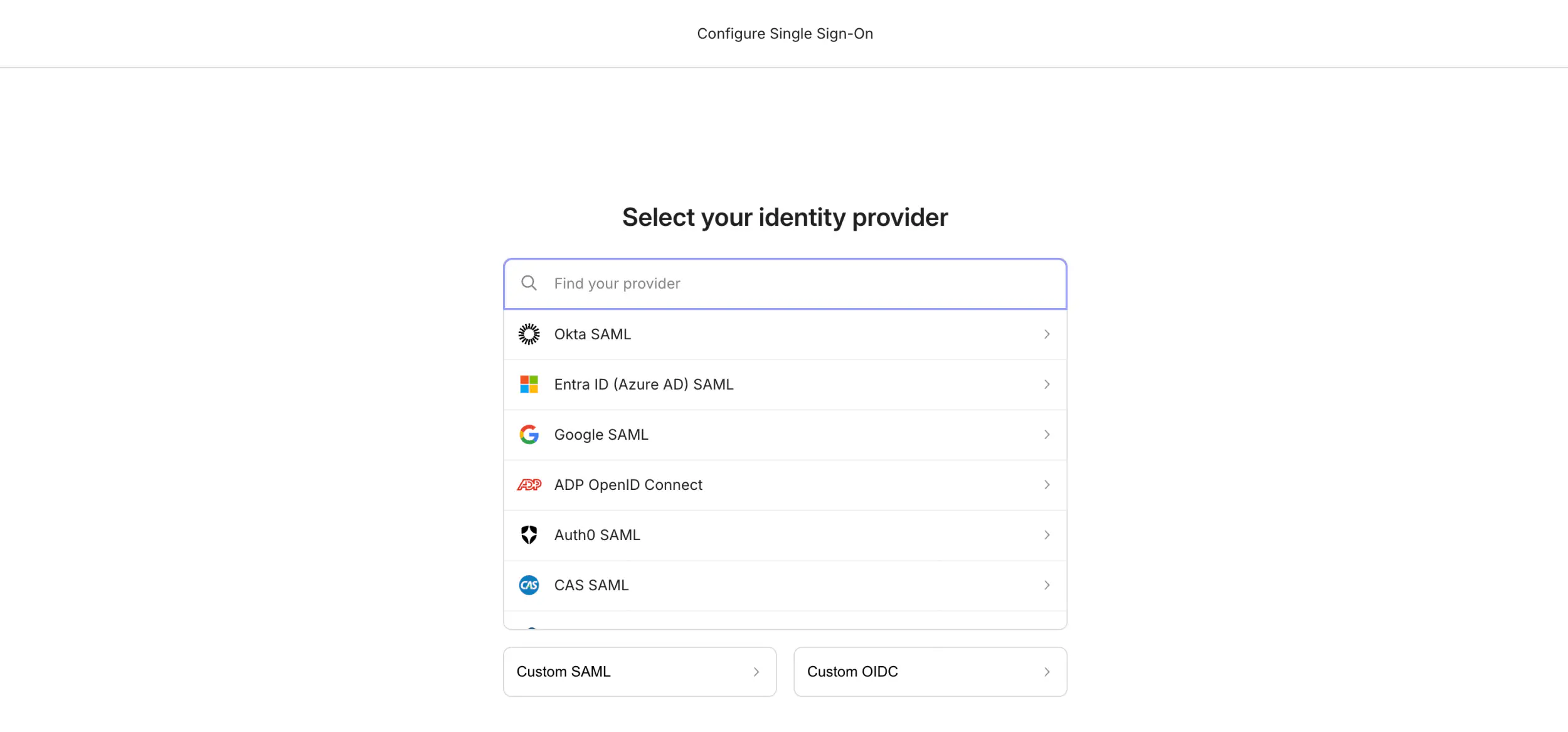
We send you a link to Admin Portal where you can choose your identity provider and follow instructions to configure SSO.
- Choosing your provider:
- Instructions and configuration:

Signing in
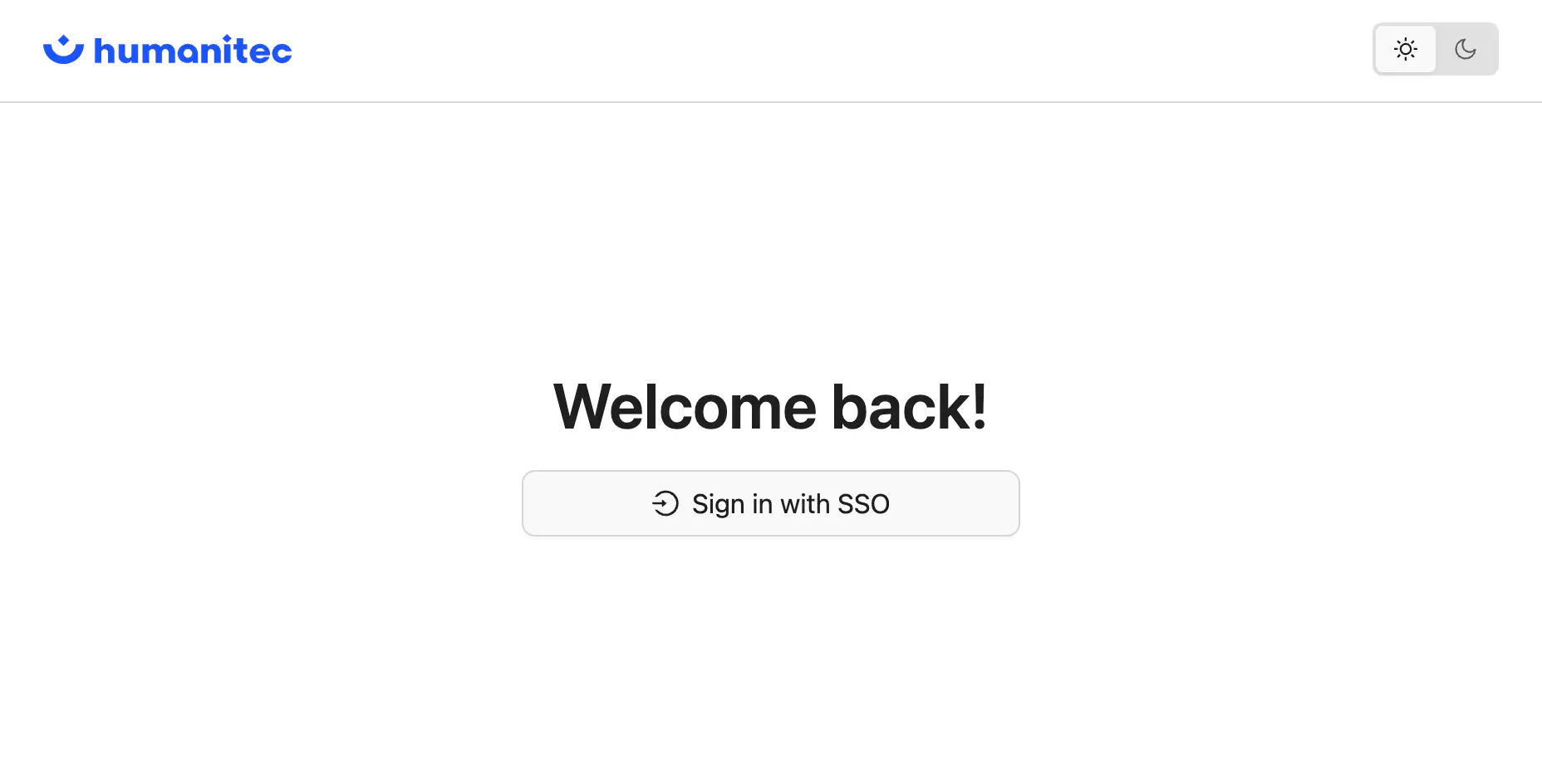
Use your organization’s SSO sign-in page for authenticating: https://console.humanitec.dev/sso/<your-org-id>: